
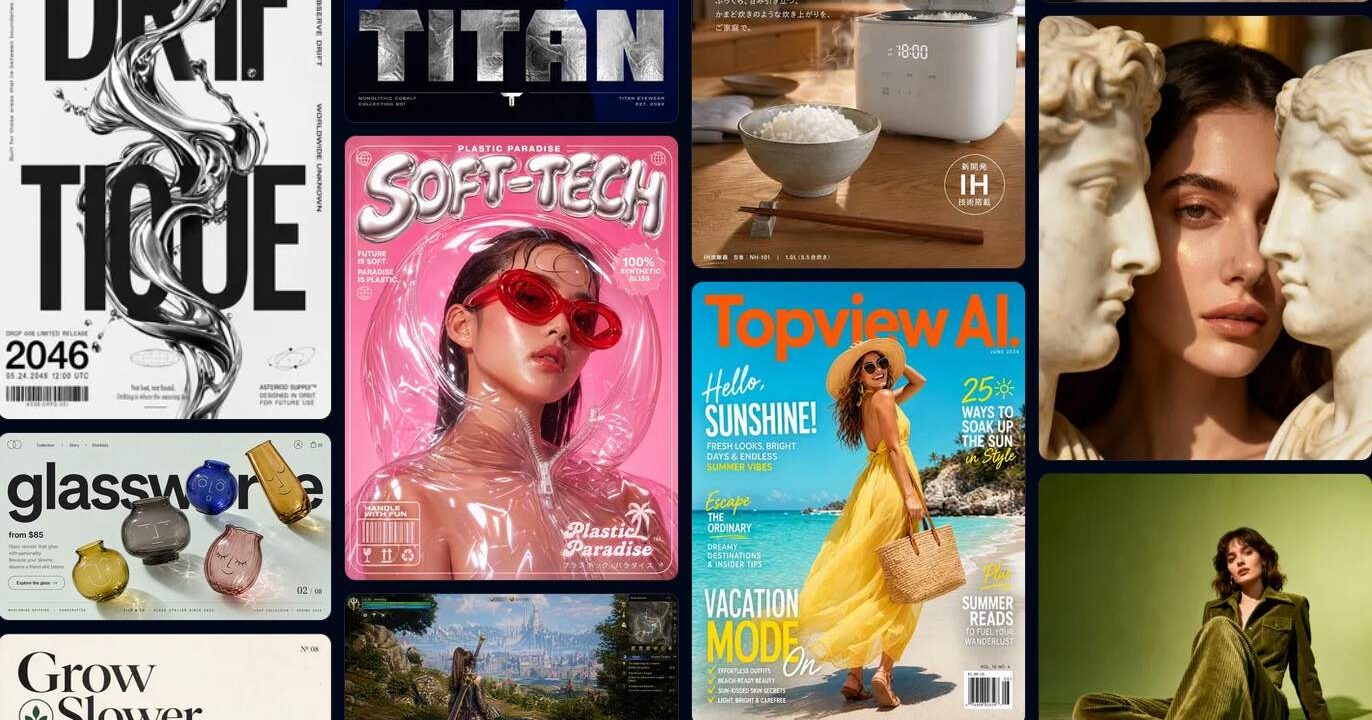
It has been two weeks since OpenAI officially launched GPT Image 2. Its generated images have gone viral across all major social platforms. It can directly create stunning 4K-quality posters just from simple text descriptions.
Even so, many people get stuck right at the very beginning. They have no idea how to write proper prompts for GPT Image 2, and they also wonder if there is any simple shortcut to get great results easily.
How to Write Good Prompts for GPT Image 2?
Traditional AI image generators like Midjourney and Stable Diffusion rely on stacking lots of descriptive tags.
For example: “masterpiece, best quality, ultra detailed, 8k, cinematic…”
They create images based on a long list of keyword labels.
But GPT Image 2 is completely different. It is a reasoning-based AI model. It treats your prompt as a complete descriptive paragraph to understand, instead of just a pile of keywords.
If you stack dozens of adjectives together, the model will try to balance every single detail you mentioned. The end result is usually blurry text, messy elements, and no clear focus in the picture.
The Right Way to Write GPT Image 2 Prompts
The correct approach is to write like you are describing a scene in plain simple sentences:
Scene / Main subject / Key details / Usage purpose / Style rules
Write your description following this order. If your content is long, separate it with line breaks. This is the basic prompt structure for GPT Image 2.
One important tip:
If you want clear readable text to appear inside the image, put the text inside quotation marks.
Example: Stylish clothing with the prominent headline “SOFT-TECH”
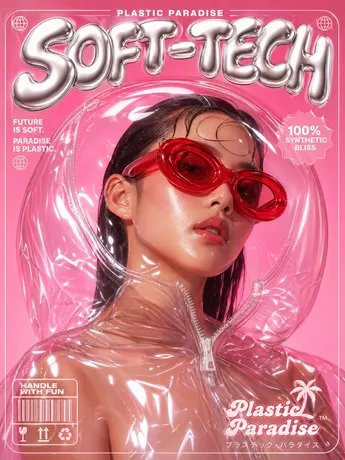
quotation marks “lock” the string of characters, forcing the model to render it verbatim. This trick can directly double your image 2 rendering success rate.
GPT Image 2 Prompt Library
I’ve put together a collection of great websites for GPT Image 2 prompts. You can browse plenty of high-quality generated images on these sites, and learn how other users craft perfect prompts step by step.
Here are the most worthy resources to bookmark right now for GPT Image 2 prompts:
1. awesome-gpt-image-2-prompts(GitHub)
EvoLinkAI maintains an open-source repository that currently has over 400 Stars. The content is divided into five main categories: portraits, posters, character design, UI mockups, and comparison experiments.
Link: github.com/EvoLinkAI/awesome-gpt-image-2-prompts
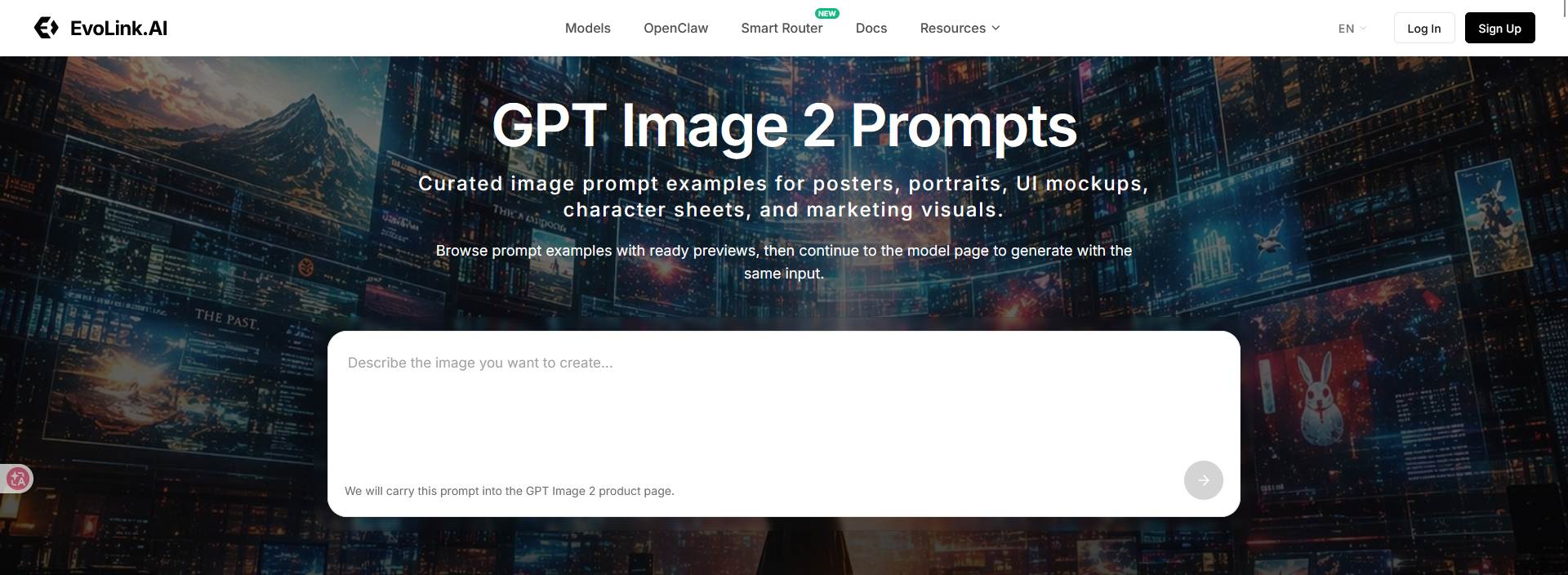
2. Evolink GPT Image 2 Prompt List
Evolink has turned its GitHub repository into a web version with more detailed categories, and it supports ten languages. It features high-quality ready-to-use prompts for movie posters, concept character cards, infographics, city illustrations and much more. Just copy them and use directly.
Link: https://evolink.ai/gpt-image-2-prompts
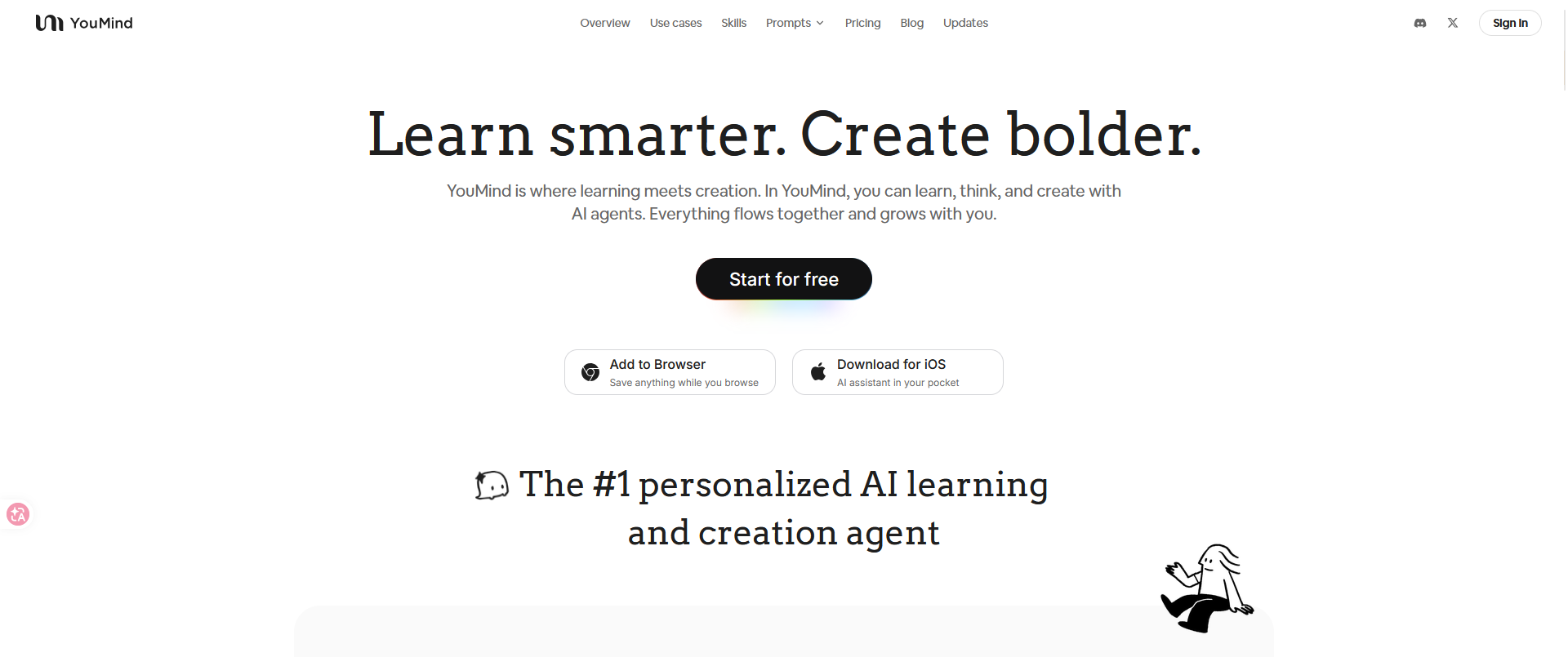
3. YouMind GPT Image 2
This site collects over 700 tested prompts, and every single one is broken down into a clear structured format. They’re neatly divided into Subject, Style, Layout, and Background.
Link: https://youmind.com/zh-CN/gpt-image-2-prompts

No Comments